
Netlise Restaurant Menu
Tired of old way of Menus? Now with Netlise Menu you can order directly by scanning the QR. Instantly sync the HandPad and Point of Sale with the menu orders.
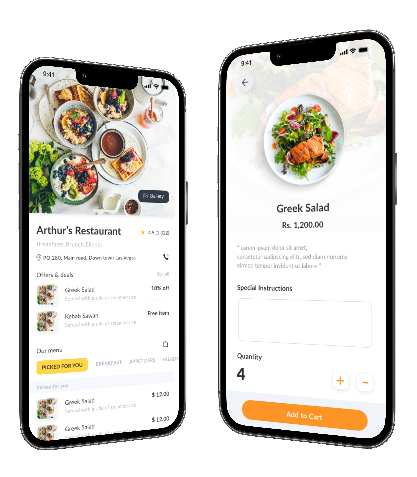
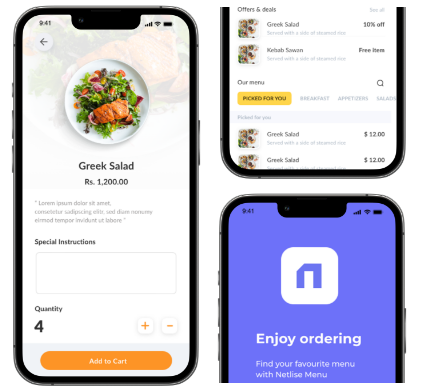
Create your order with restaurant menu
- Scan QR Code
Scan the QR and get the menu order for the table. You can customise menu hours and what you see in the app.
- View menu details
Show your menu with prices. Show information like prepare time, nutrients and modernise the menu.
- Create order
Create orders from the menu app and instantly sync with the iPad and POS terminal.
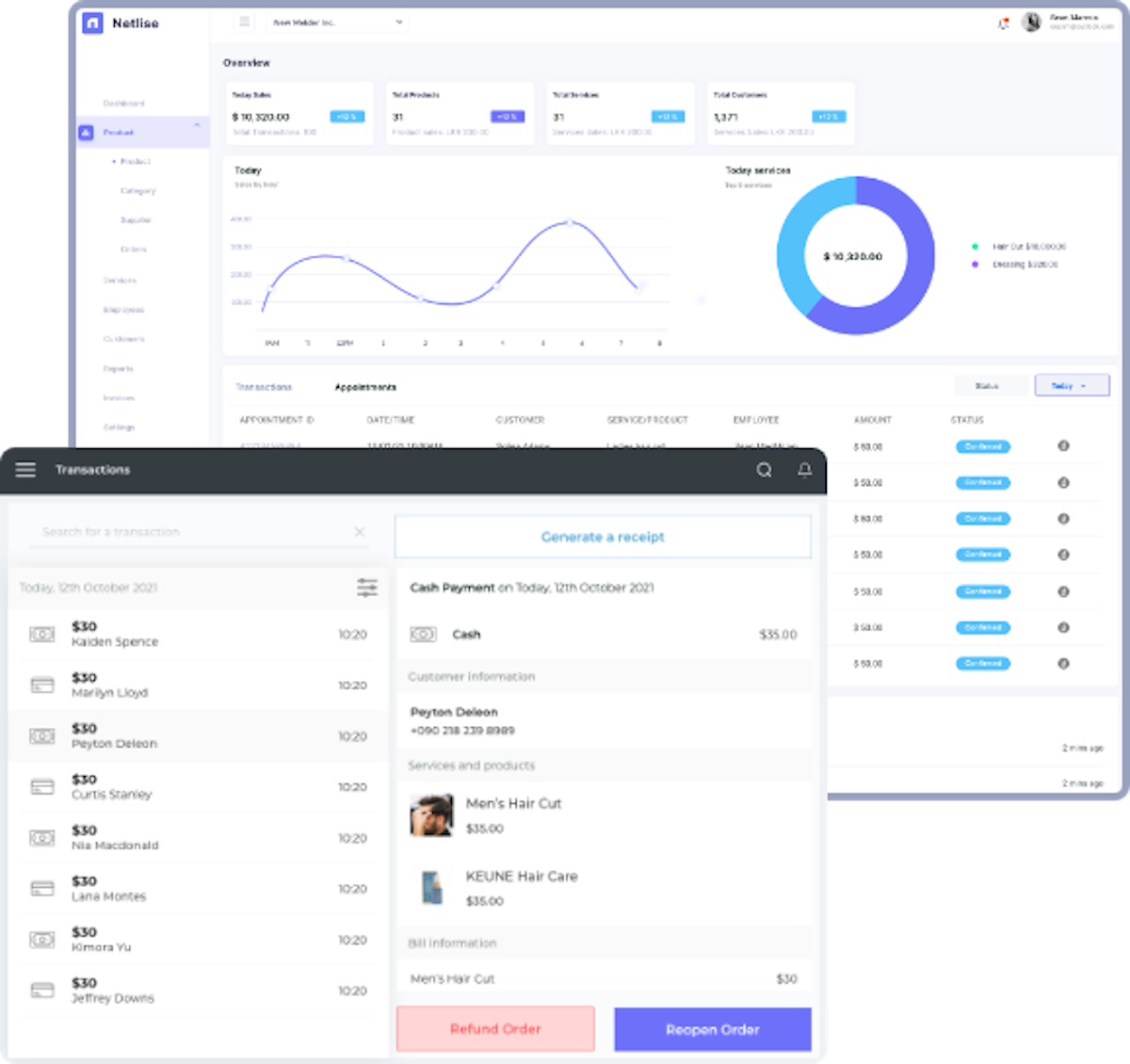
Process your orders quickly with trust
Access your business operations from online dashboard and get a 360 view of the sales and customer interactions
Download the sales app and perform store operations seamlessly with realtime updates
Get your mobile store with the all the details needed to manage business operations quickly and efficiently
Access advanced reports on your sales and future trends on your applications
Pick your plan
Growth
- Cloud POS
- Admin Dashboard
- Daily Reports
- Transaction Operations
- Client Management
- Per Location
Premium
Most picked- Everything in Grow
- Shift Reports
- Activity Logs
- Netlise KDS
- Loyalty Management